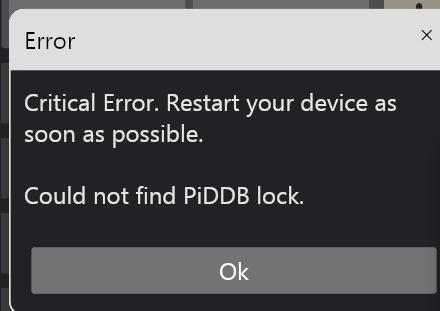
Errors
If any of the solutions below do not work for you, please join our discord server and open a ticket.
Click the link at the top of the page to join the discord server.
Once verified, use the /ticket create bot command to open a support ticket and one of our staff members will come back to you.
Failed to load driver. Error: C0000603
Click me to expand error details.
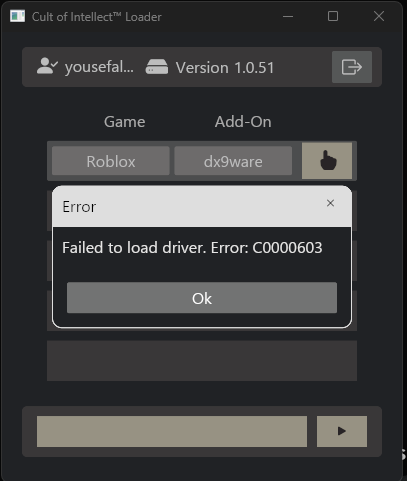
Issue
Windows security is preventing the driver from being loaded. It is essential for the driver to load to ensure maximum security against ROBLOX anti-cheat.
Fix
Follow all the steps in the initial setup guide.
Infinite Loading (Loading stuck)
Click me to expand error details.

Issue
Most commonly, your ROBLOX account is not using the live/production channel
Secondly, there could be a stuck ROBLOX process in Task Manager.
Fix #1 (Channel)
Use a ROBLOX launcher such as Fishstrap and change the channel to production.
- Uninstall ROBLOX completely
- Download Fishstrap
- Go to Fishstrap 'Deployment' settings and configure as per the below image.
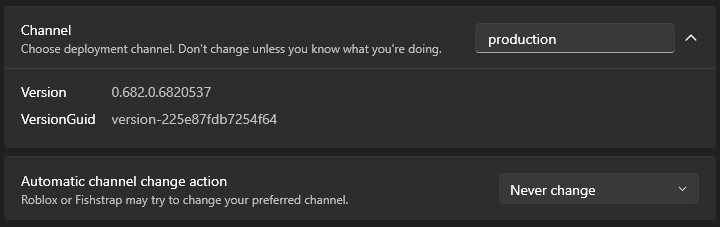
- Whenever you want to play ROBLOX , open Fishstrap and launch ROBLOX through Fishstrap. This will always put you onto the production channel. There is no need to install ROBLOX again from roblox website.
Fix #2 (Stuck ROBLOX Process)
Restart your PC, or Open Task Manager and kill any Roblox processes and retry.
VCRUNTIME140.dll was not found.
Click me to expand error details.
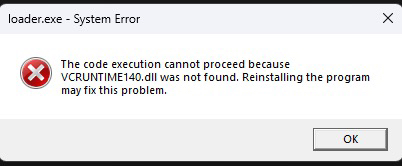
Issue
Your computer is missing Visual C++ Redistributables which is required to run dx9ware.
Fix
Download and install the Visual Studio 2015, 2017, 2019 and 2022 sedistributable from the Microsoft website
Download both X86 and X64 redistributables.
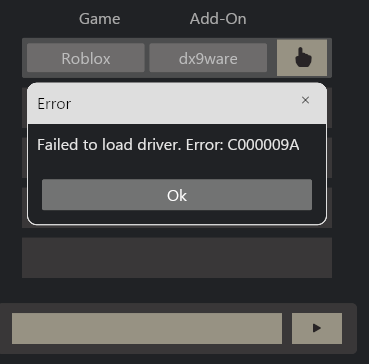
Failed to load driver. Error: C000009A
Click me to expand error details.
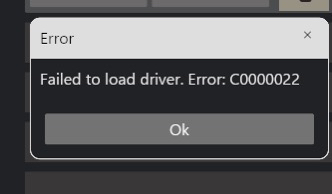
Failed to load driver. Error: C0000022
Click me to expand error details.
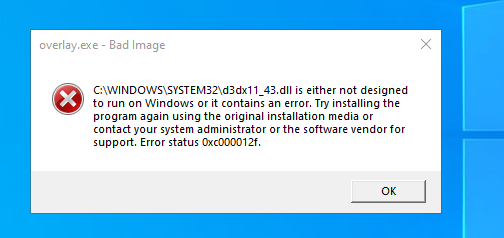
overlay.exe - Bad Image
Click me to expand error details.
Issue
dx9ware makes use of DirectX11. This is usually already installed on most gamers machines, however if something is corrupted or missing. You may experience this error.
Fix
Manually download & install the DirectX Runtimes from the Microsoft website.
Yellow Screen
Click me to expand error details.

Issue
You get this issue because of another service interfering in the background.
Fix
Go to msconfig -> Services -> Hide all Microsoft services -> Disable all -> Apply
After this, restart your computer & retry
This may unexpectectly impact some of your other apps. If that happens or you notice issues, enable certain services manually. Doing this, you may also determine which service is causing the problem.
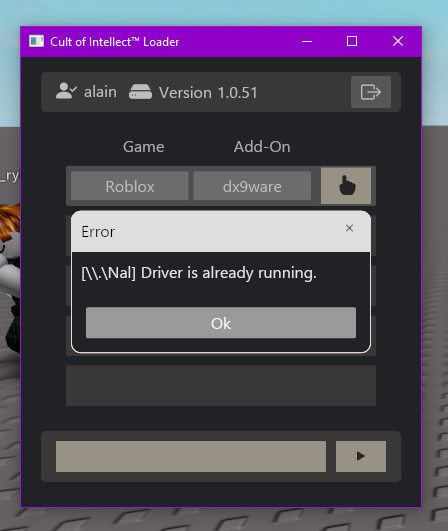
[\.\Nal] Driver is already running.
Click me to expand error details.
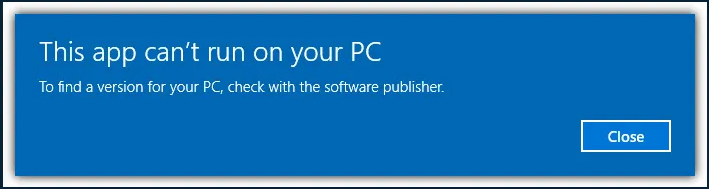
This app can't run on your PC
Click me to expand error details.
Issue
An antivirus is blocking access to the file.
Fix
Firstly, check you have added the necessary exclusions for dx9ware. You can find these in the initial setup guide Restart your computer, and retry.
If it's still not running, you possibly have a third-party antivirus interfering.
-
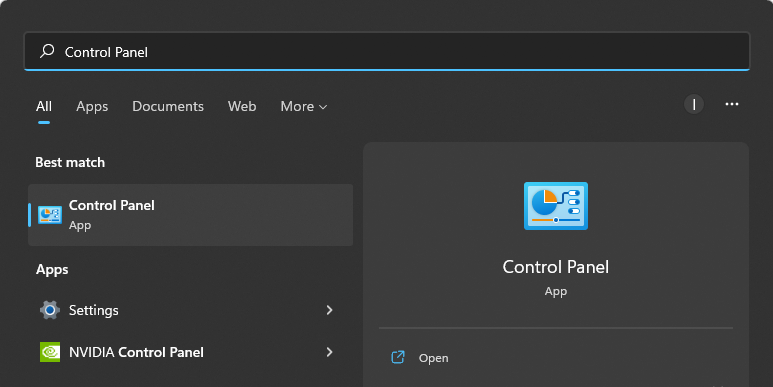
Search for Control Panel in Windows search and click it.
-
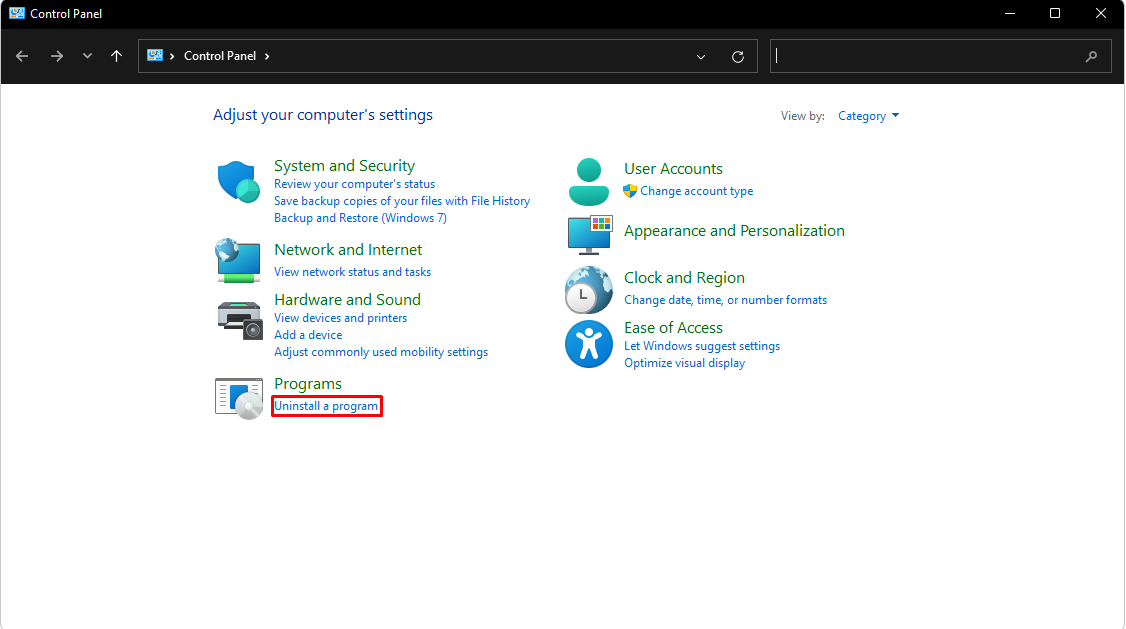
Click Uninstall a program under programs
-
Look through for any antivirus software and uninstall them. Some antivirus software to look out for include:
- Malwarebytes
- AVAST Anti-Virus
- Norton 360
- McAfee / WebAdvisor
- Bitdefender
- Kaspersky